Hit a Golf Ball Golf Training Tools
Plan power, pets, and clubs with numbers — no executors required.
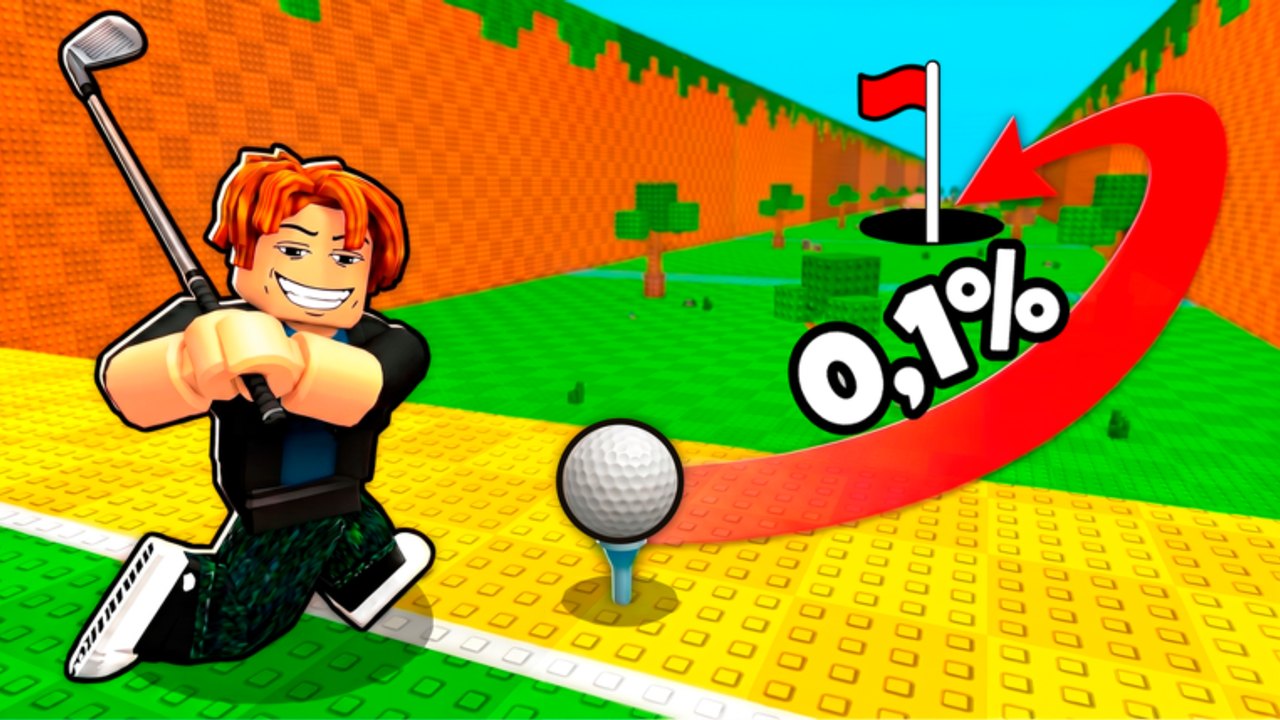
Golf Training! looks simple on the surface — train, swing, earn coins — but progression is a math problem dressed as a sports game. How much power do you need before the next zone? Does a new pet beat another hour of training? Should you buy the club or hatch one more egg? The tools hub collects calculators and planning guides that answer those questions without risking your Roblox account.
Unlike scripts, wiki tools are read-only helpers. They do not inject code, automate clicks, or violate Terms of Service. You type your stats (or read example tables), compare outcomes, and then play normally using guides and codes.
Available tools
Distance calculator
Estimate how far your ball should travel given:
- Power — your trained base stat.
- Pet multiplier — combined equipped pet bonuses.
- Club bonus — additive or multiplicative club effects depending on how you model them.
The page includes a planning formula, sample tables, and links to hit farther and train power fast. An interactive on-site calculator may be added separately; the article stays useful on its own.
Why planning tools matter in Golf Training!
Oh Golf Trainers! layers multiple scaling systems:
| System | What it affects |
|---|---|
| Power | Baseline cap on how hard you can strike |
| Pets | Multipliers from hatched companions |
| Clubs | Flat or percentage distance/coin bonuses |
| Zones | Higher worlds with pricier eggs and gates |
| Golden Machine | RNG pet upgrades — not easily modeled, so plan around safe sacrifices |
Players who only “feel” their way through upgrades often overspend on eggs while underinvesting in clubs, or train long after diminishing returns set in. A five-minute calculation can save an hour of weak auto hits — legitimately.
How to use this hub with other sections
- New players — read getting started, then plug rough stats into the distance calculator before your first big club purchase.
- Mid-game — cross-check pet upgrades with the tier list after the calculator shows a multiplier win.
- Post-update — scan updates for rebalance notes, then refresh your assumptions; tools use your inputs, not live game APIs.
- Tempted by scripts — compare script promises to calculator output; if manual upgrades already beat spam hitting, skip the ban risk covered in how to use scripts.
Interactive vs article-only tools
Some tools ship as Astro client widgets later. Until then, each tools page is written as a standalone guide: formulas, markdown tables, and worked examples you can copy into a notes app. That matches how speedrun and simulator communities plan offline spreadsheets anyway.
When an interactive version launches, it will use the same math documented in the article so results stay consistent.
Contributing your own scenarios
Keep personal notes as you play:
- Record power, equipped pet multiplier, club name, and measured distance after a patch.
- Note zone gate costs when you unlock a new world.
- Track coins per minute for train-heavy vs hit-heavy sessions.
If future wiki tools accept custom presets, those notes become ready-made inputs.
Limits of fan-made tools
Wiki tools are educational. They are not official Oh Golf Trainers! calculators and may not mirror hidden rounding, wind effects, limited-time buffs, or event modifiers. Treat outputs as estimates. Confirm big purchases in-game with a test swing.
Related pages
- Distance calculator — primary planning tool
- Hit farther — technique and upgrade order
- Train power fast — when to stop training
- Codes — free boosts that shift your inputs
- Scripts hub — why automation is not a substitute for math
Frequently Asked Questions
Quick answers for Golf Training! and Hit a Golf Ball players.
Do Golf Training wiki tools require an executor?
No. Tools are planning helpers on the website. They do not modify the Roblox client or automate gameplay.
Is the distance calculator official?
No. It is a fan-made planning model based on common simulator math. Always verify big upgrades with an in-game test hit.
Will interactive calculators replace the guide pages?
No. The articles document formulas and examples so you can plan even if the widget is unavailable or you are on mobile.
What stats do I need before using the calculator?
Note your current power, combined pet multiplier, club bonus, and optional zone modifier. Guides linked from the calculator page explain how to read each value.